Diagnostics Tab
The Diagnostics tab runs network tests from the customer's device, such as ping, traceroute, and a speed test. It's very useful for proving where the problem is (at the customer's home, on the provider's network, or outside it).
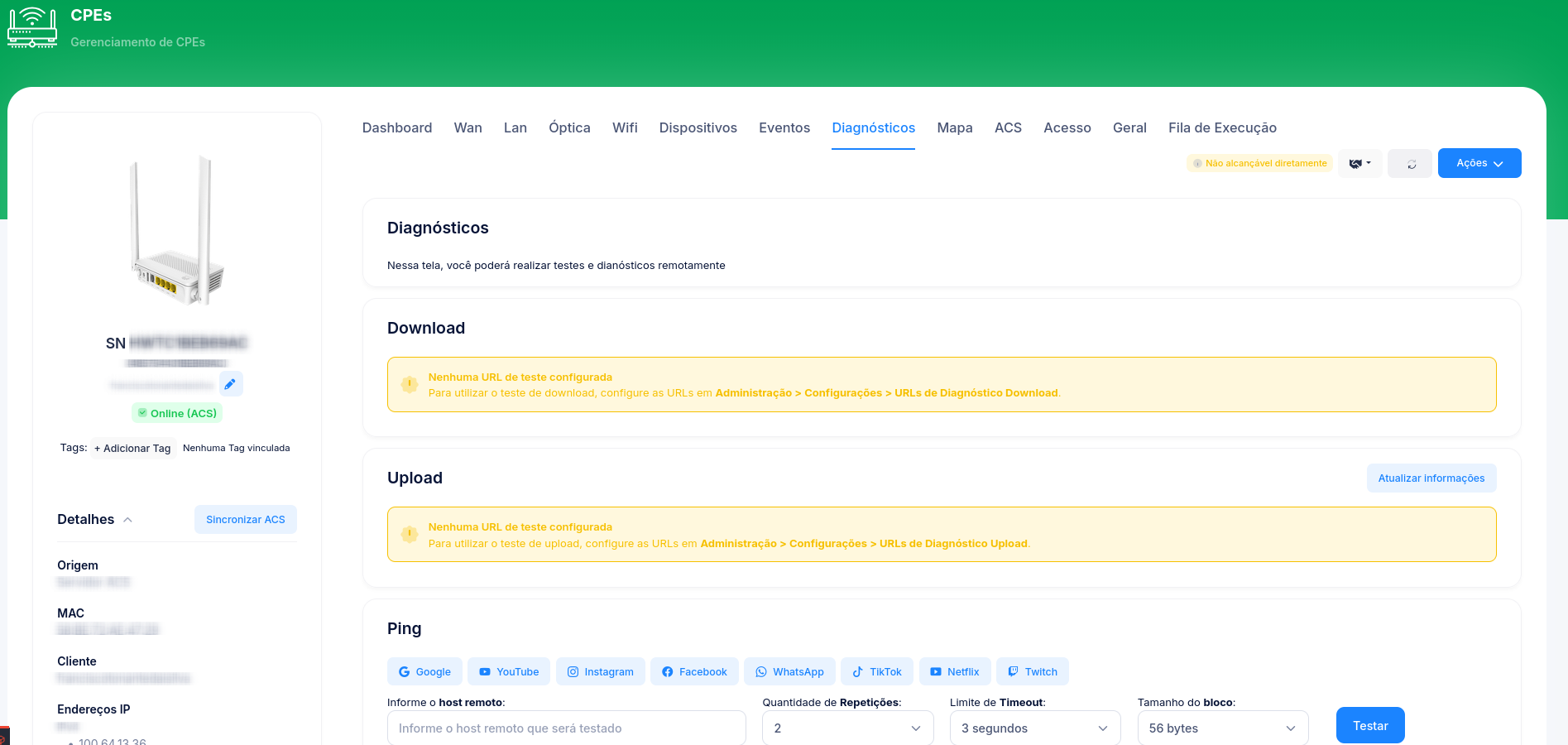
Available tests
| Test | What it does |
|---|---|
| Ping | Tests the CPE's reachability and latency to a destination. |
| Traceroute | Shows the path (hops) from the CPE to the destination. |
| Speed test | Measures download/upload from the device (via TR-143). |
Tests follow the TR-143 standard. The availability of each one varies by CPE manufacturer and model — some support ping/traceroute and download/upload, others only ping/traceroute. See Supported TRs.
Requires TR-069
warning
Diagnostics run via TR-069/TR-143. If the CPE is known only via the OLT (OMCI, no ACS), this tab will have no data. Enable TR-069 following Configure TR-069.