WAN Tab
The WAN tab shows the internet connections configured on the CPE — the PPPoE/IP WANs, service ports, and the like. It's where you check whether the customer's authentication (PPPoE) and the service are correct.
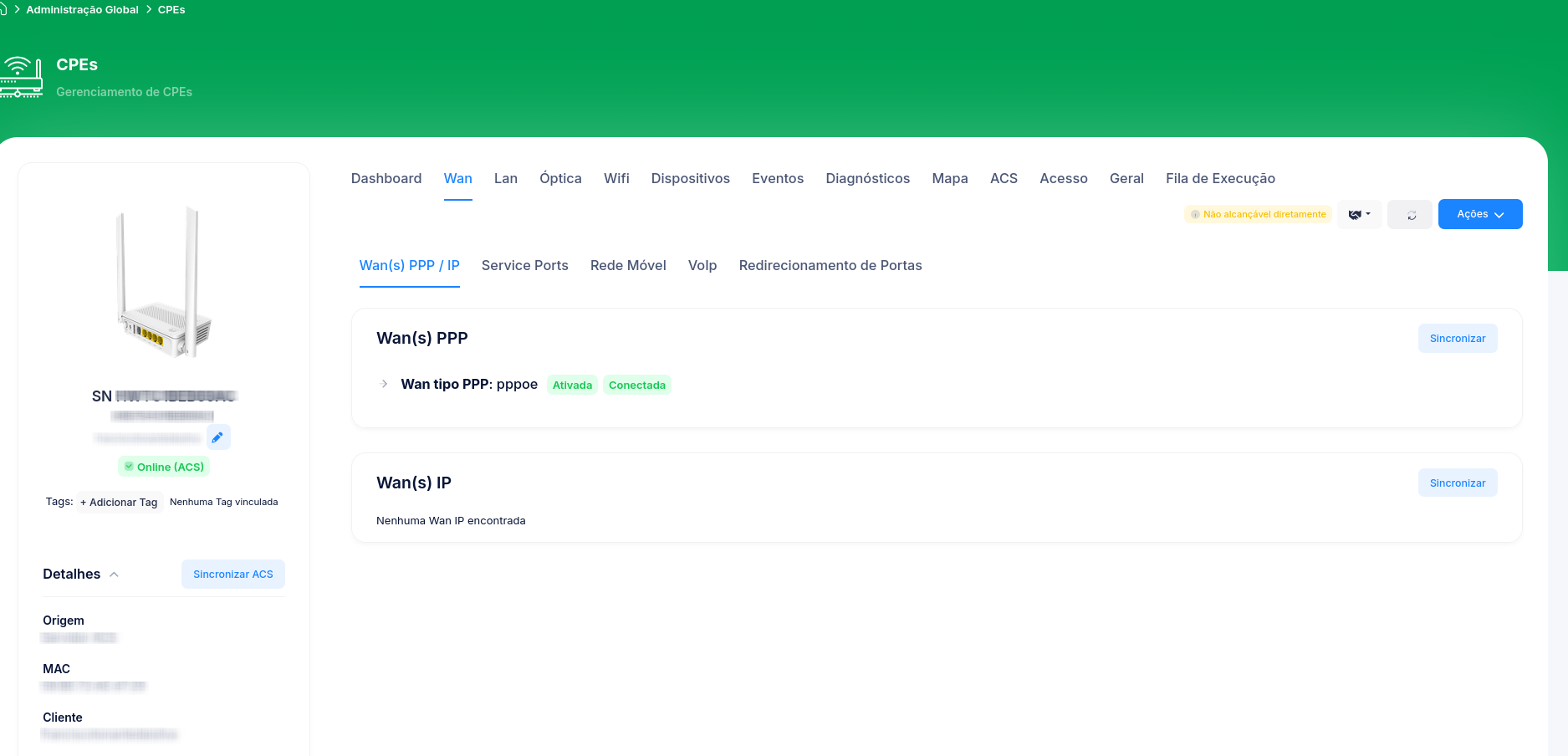
Sub-tabs
| Sub-tab | What it shows |
|---|---|
| Wan(s) PPP / IP | The PPPoE-type WAN connections (Wan(s) PPP) and the IP-type ones (Wan(s) IP). |
| Service Ports | The service ports configured on the OLT for this CPE (service VLANs). |
| Mobile Network | Mobile network data, when applicable (equipment with 4G/5G backup). |
| VoIP | Voice settings (when the device offers telephony). |
| Port Forwarding | Port forwarding rules. |
Each section has a Sync button to load the device's current data.
Loading the data
If you see "No information, please try syncing to load the data", click Sync on the corresponding section. Cpehub then queries the device and fills in the information.
Depends on TR-069
Most of the WAN information comes from the device via TR-069. On CPEs known only via the OLT (OMCI, no ACS), some sections may not show all the data. See Working with CPEs.