WiFi Tab
The WiFi tab shows and lets you change the customer's equipment wireless networks — SSID, password, radios (2.4 GHz / 5 GHz), Easy Mesh, and neighboring networks.
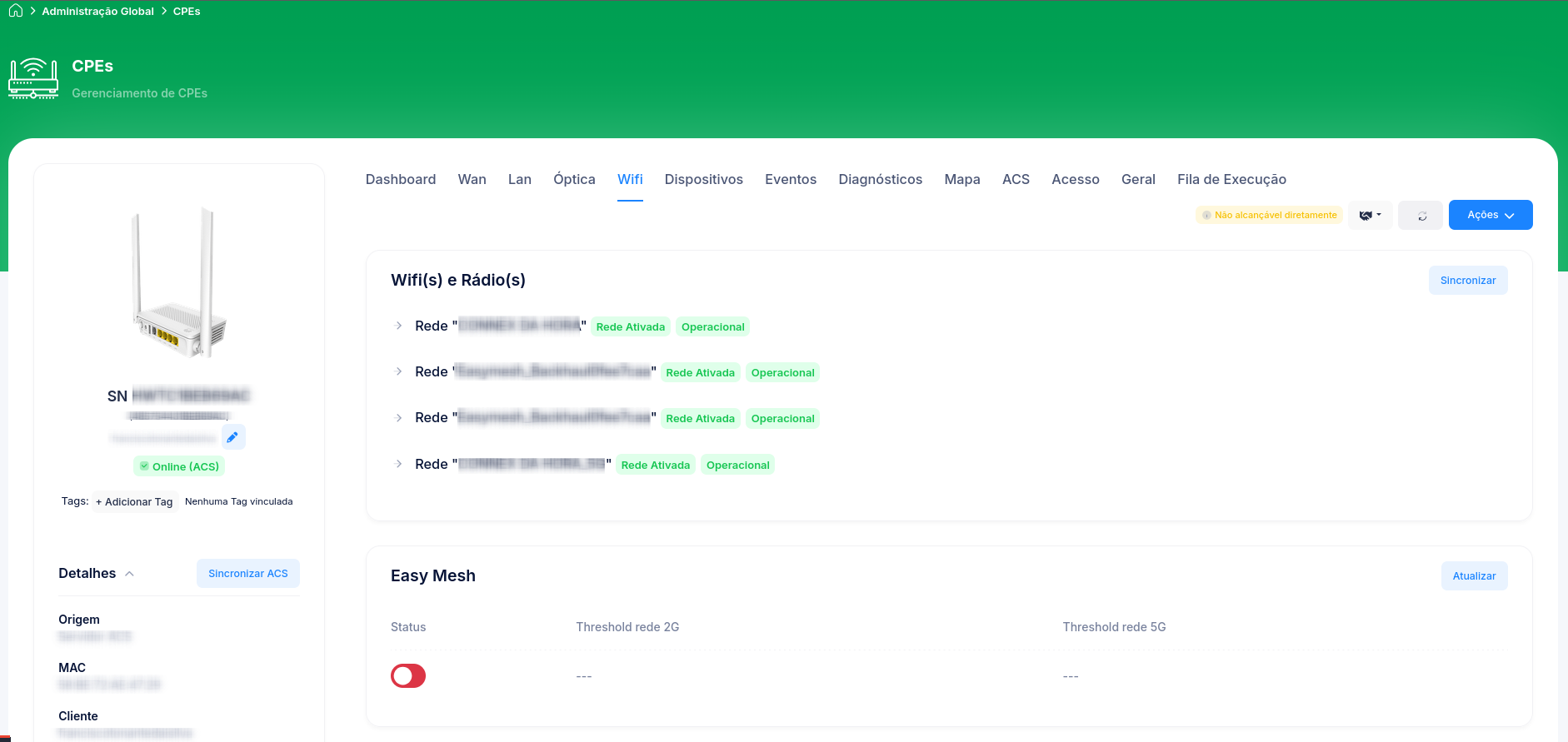
Sections
| Section | What it shows |
|---|---|
| WiFi(s) and Radio(s) | The configured WiFi networks and radios (2.4 GHz and 5 GHz): SSID, password, channel, width. |
| Easy Mesh | The device's mesh information, when supported. |
| Neighboring Networks | Nearby WiFi networks detected. Useful for assessing channel interference. |
Requires TR-069
warning
WiFi information comes from the device via TR-069. If the CPE is known only via the OLT (OMCI, no ACS), these sections show "TR-069 required to load this information".
To enable it, the CPE needs to be communicating with Cpehub's ACS — see Configure TR-069.
Change SSID / password / channel
With TR-069 active, you can change the WiFi parameters remotely. The detailed step-by-step is in Change a CPE's parameters via ACS.