Configuration
On this page you'll find information about integrating with IXC
Creating the Token in IXC
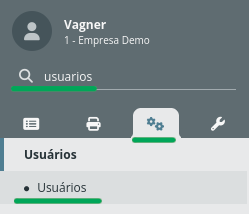
- Go to IXC, in the side menu, click Settings (Gears), search for Users, and click the Users menu:
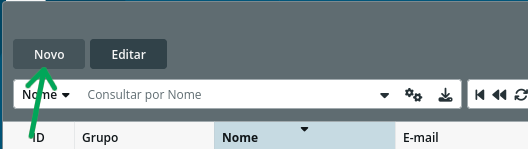
- Click the "New" button, located in the top-left corner:
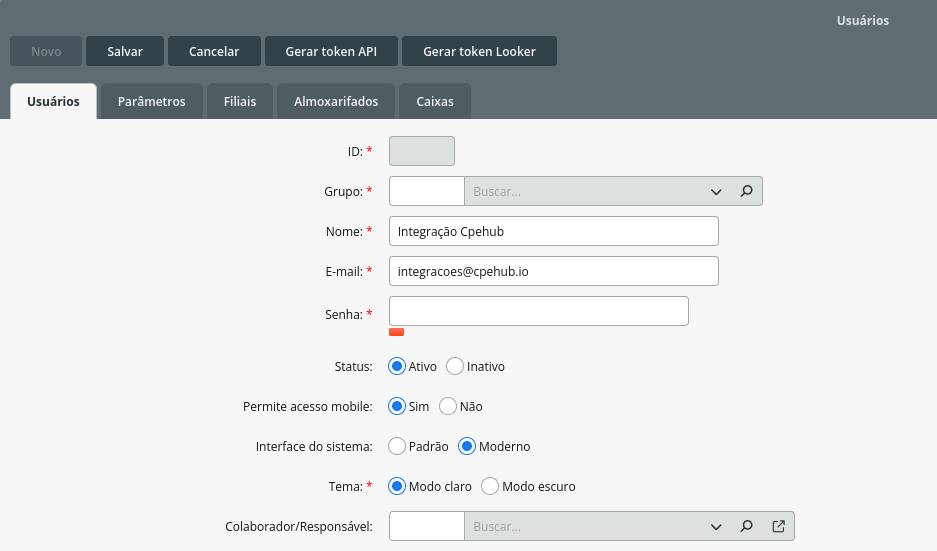
- Fill in the required information:
Note: You can enter any password, since we'll generate a Token afterward and only the Token will be needed for the integration.
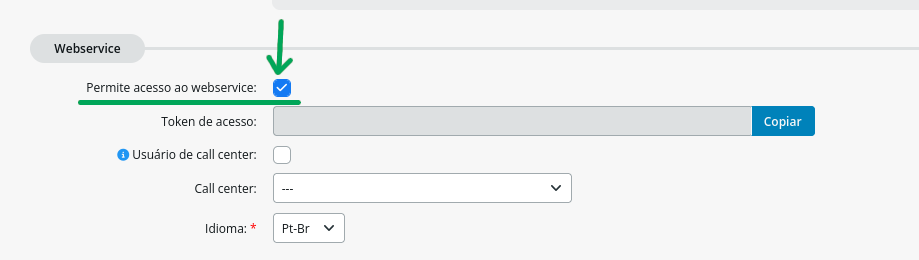
- Select the "Allow webservice access" field
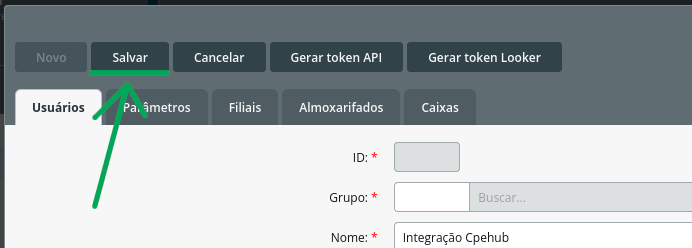
- Click Save
- After saving, a Token will be generated — copy it:
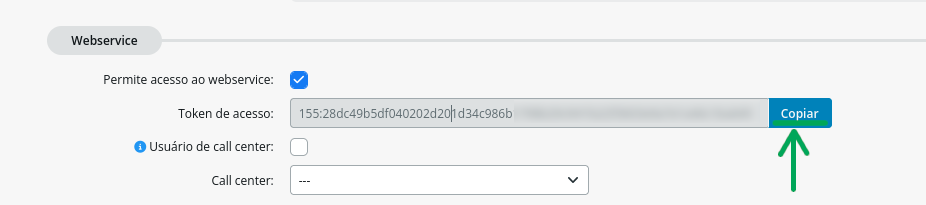
You'll need your server's URL and the Token to configure the integration in Cpehub
Configuring the integration with IXC
- Go to the Administration -> Settings menu:
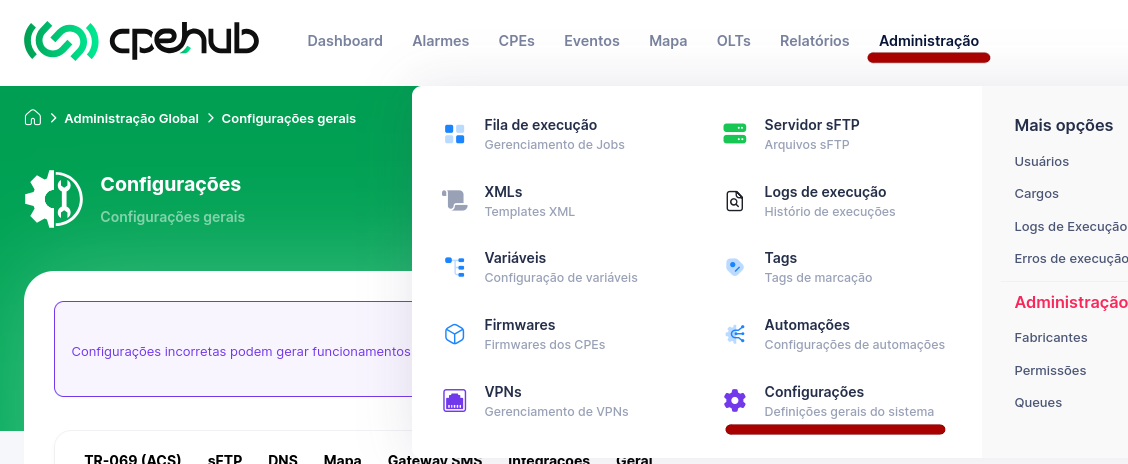
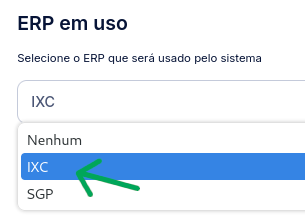
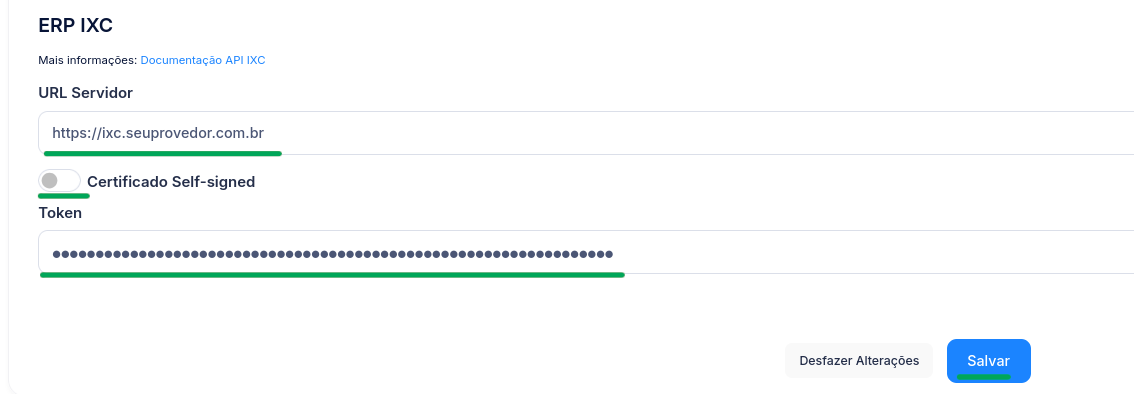
- Go to the Integrations tab, select the IXC ERP, enter your IXC server's URL and Token, then click Save!
Note: If your server doesn't have a valid SSL certificate, check the "Self-signed certificate" option