SNMP Trap Configuration - C300 Line
In this tutorial, we'll show how to configure SNMP traps on the ZTE OLT.
SNMP traps are extremely important for the system to detect events in real time.
Requirements and Notes
Before starting the steps below, you'll need:
- The Cpehub Server's IP address (Public or via VPN)
- The SNMP Trap password.
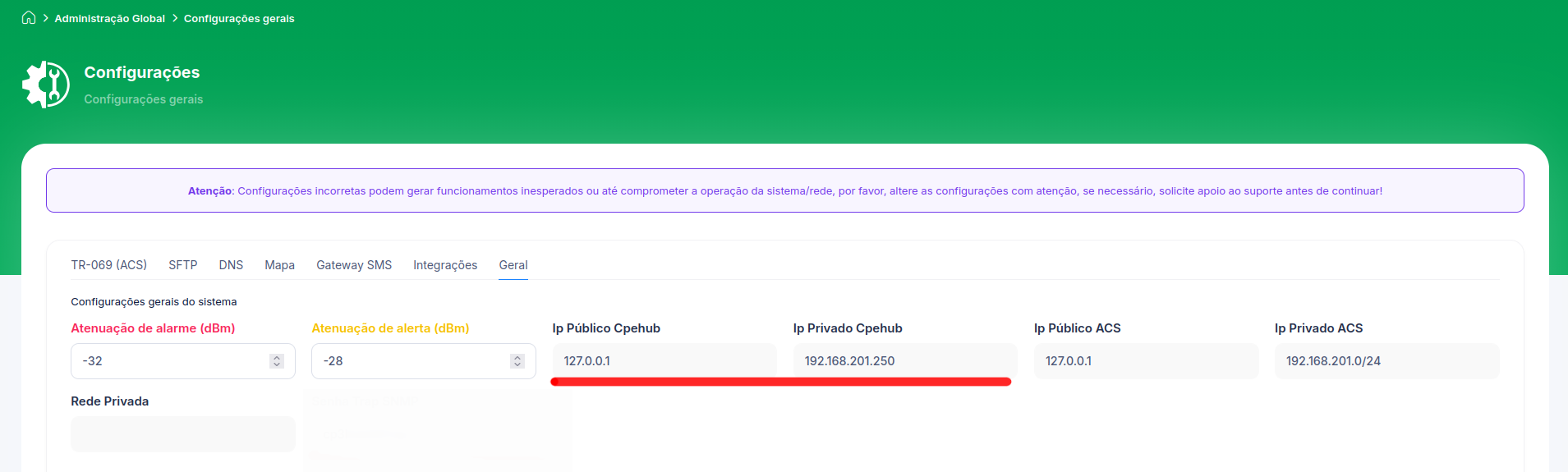
You'll find the IP on the VPNs screen or in the Administration -> Settings -> General tab menu
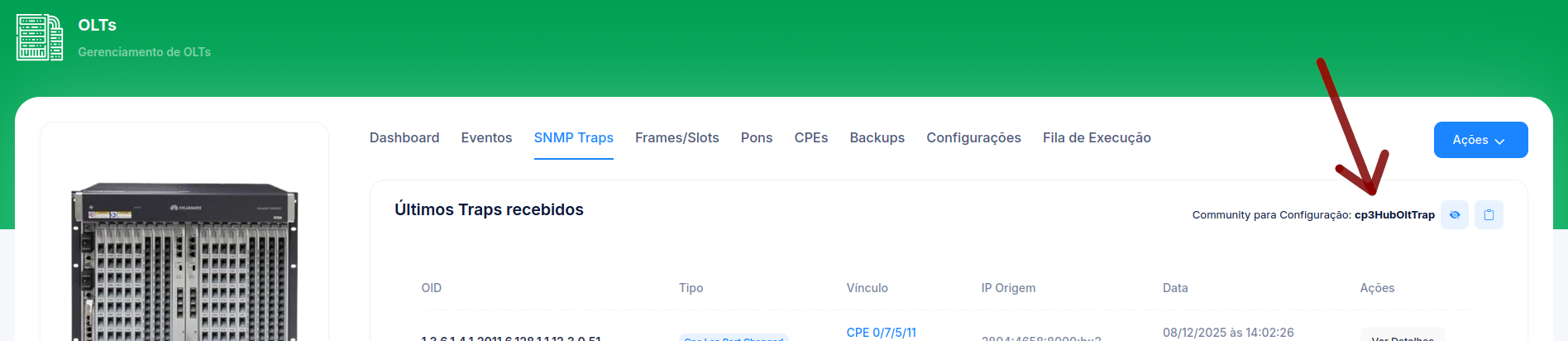
You'll find the password/community for sending traps on the OLT's "Snmp Trap" tab
Don't forget, all commands must be run in the Config view.
ZTE# configure terminal
1. Configure the communication parameters
Inside config mode, run the command below:
ZTE(config)# snmp-server host YOUR_ENVIRONMENT_IP  version 2c TRAP_PASSWORD enable NOTIFICATIONS target-addr-name Cpehub isnmsserver udp-port 162 trap-report-compatibility v20
ZTE(config)# nms-hello-trap enable
ZTE(config)# nms-hello-trap interval 60
2. Set the trap source (Optional)
The traps' source IP should be the same IP configured for communication between the system and the OLT.
So it may be necessary to configure the traps' source IP:
ZTE(config)# snmp-server trap-source 172.30.0.2
3. Confirm it's working
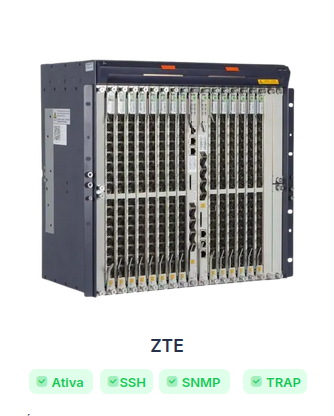
On the OLT screen in Cpehub, you'll see that the SNMP Trap indicator turns green:
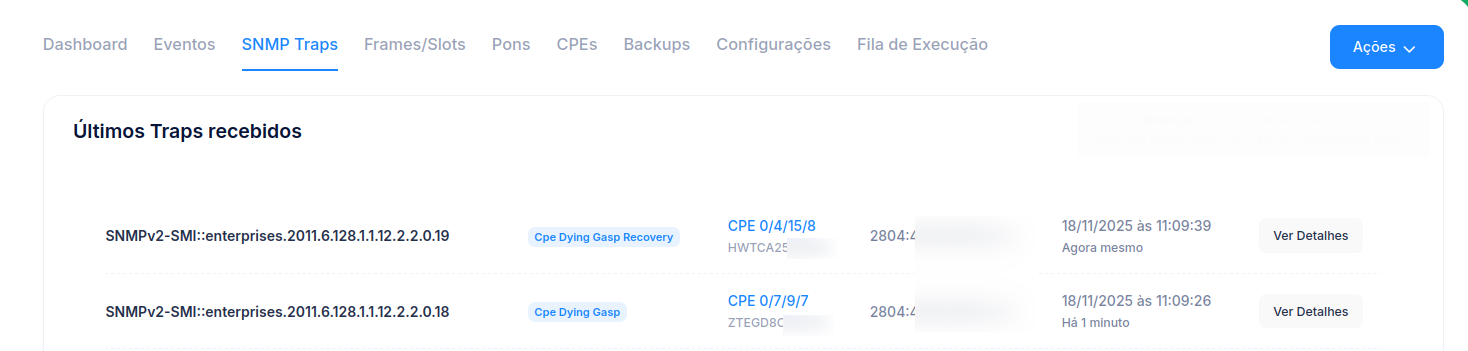
You can also open the SNMP Traps tab and watch them arrive in real time: